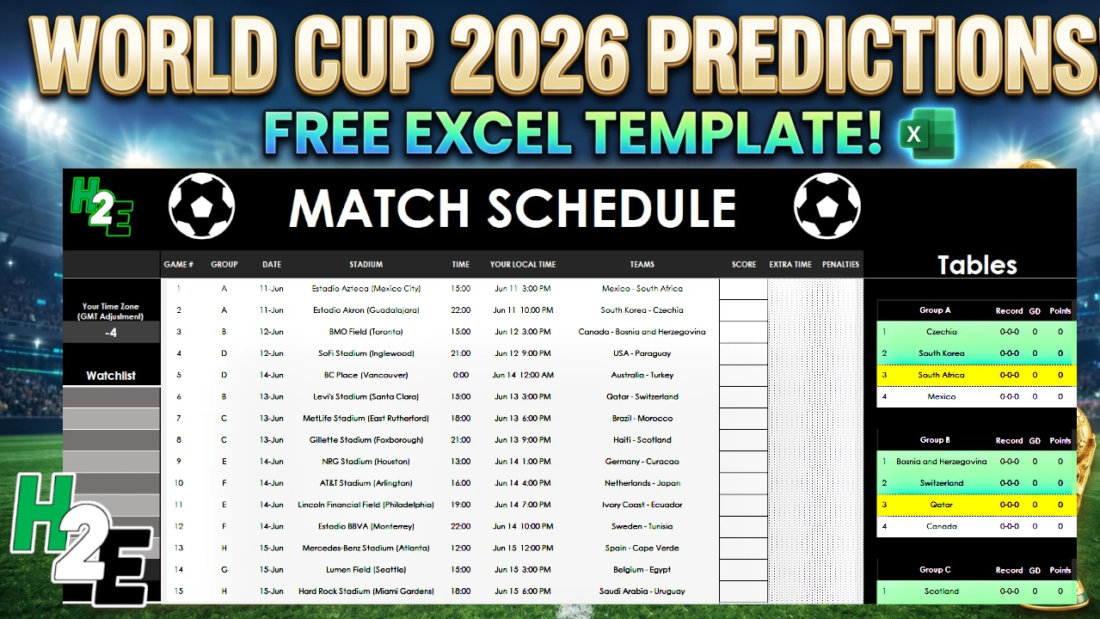
Quick Summary: Skip the manual setup and start your World Cup league instantly. This free, ready-to-use Excel template features automated standings, customizable scoring rules for predictions, and a dynamic leaderboard. Whether you are tracking matches for yourself or running an office pool, this spreadsheet handles the complex math and tiebreakers for you.
📥 Download the Free World Cup Template Here
How the World Cup Prediction Template Works
This template is built to handle everything from individual match tracking to large-scale participant pools, utilizing three main tabs: Actuals, Predictions, and Leaderboard.
1. The “Actuals” Tab (Live Tournament Tracking)
On the Actuals tab is where you will enter the actual results, in the score column. The tables will update accordingly, as will the knockout stages. The score needs to be entered in the following format: 0:0. Otherwise, you will get an error prompting you to adjust the format. This is to ensure that the formulas calculate correctly.
The standings will automatically update but if they are not correct due to complex tiebreakers, you can override the standings in the following area.
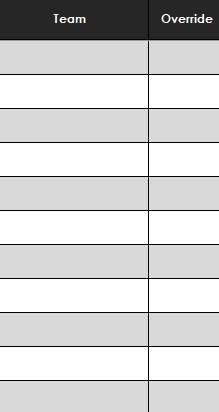
Simply enter all the teams from a group where the standings are incorrect, and manually enter the correct position in the override field.
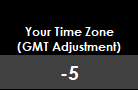
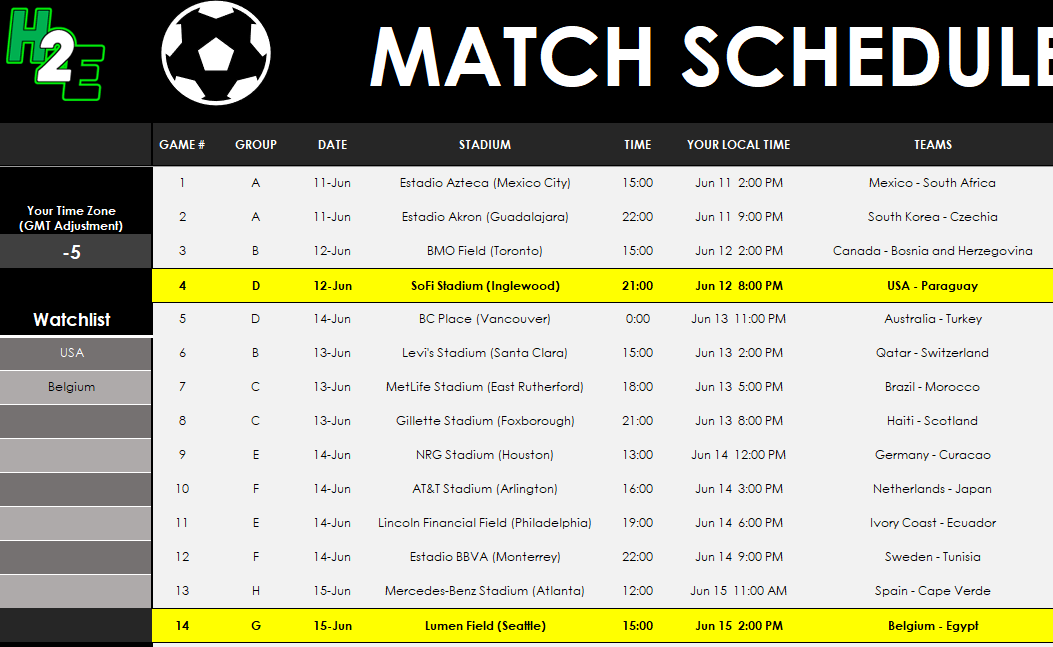
The match schedule shows the games based on your local time zone. However, to ensure this is correct, you first need to enter the correct GMT Adjustment. This will then update the matches to reflect your local time.
If you want to track certain teams, you can do so by selecting from the Watchlist area. Any teams you select will be highlighted on the match schedule in yellow, to indicate the matches they are involved in.
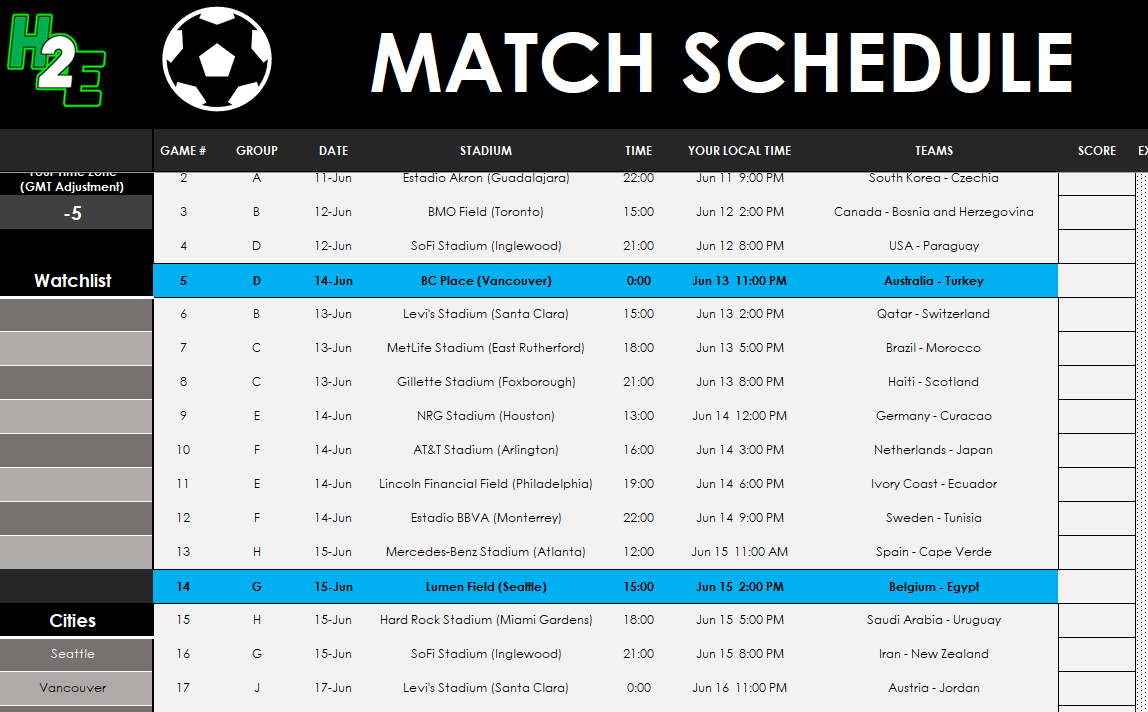
If you want to track matches in certain cities, there is also an area where you can indicate cities to track. Any cities you select will be highlighted on the match schedule in blue.
2. The “Predictions” Tab (Player Entries)
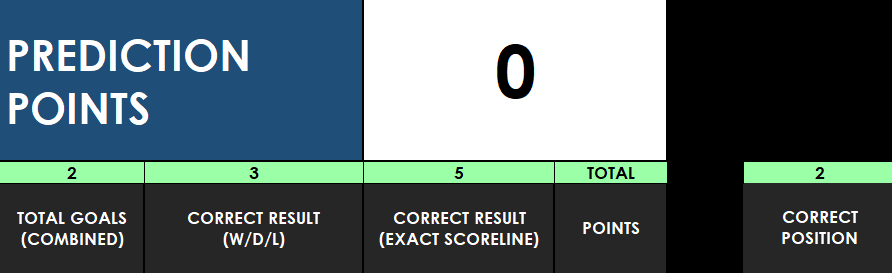
The Predictions tab is only needed if you are making predictions. It’s very similar to the Actuals tab, except here, you’ll enter in your predictions. The predictions will be compared with the scores from the Actuals tab. Based on the scoring rules, you will earn points for the correct number of total goals, the correct result, and for getting the exact score correct. You can also receive points for predicting a team’s correct position in their group.
You can change the different points by changing the score values relating to the different categories. You can see your point total next to the prediction points header.
If you have multiple players making predictions, then simply copy the sheet as many times as you need to.
3. The “Leaderboard” Tab (Standings)
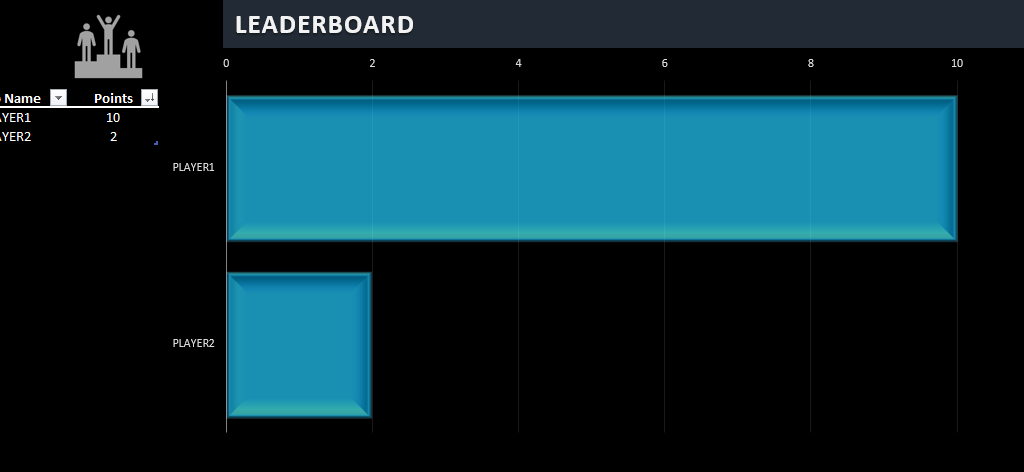
If you have multiple people making predictions, then you can compare their results on the Leaderboard tab. To add players, you just need to add them under the Tab Name. This has to match the tab name exactly or else it will result in an error.