
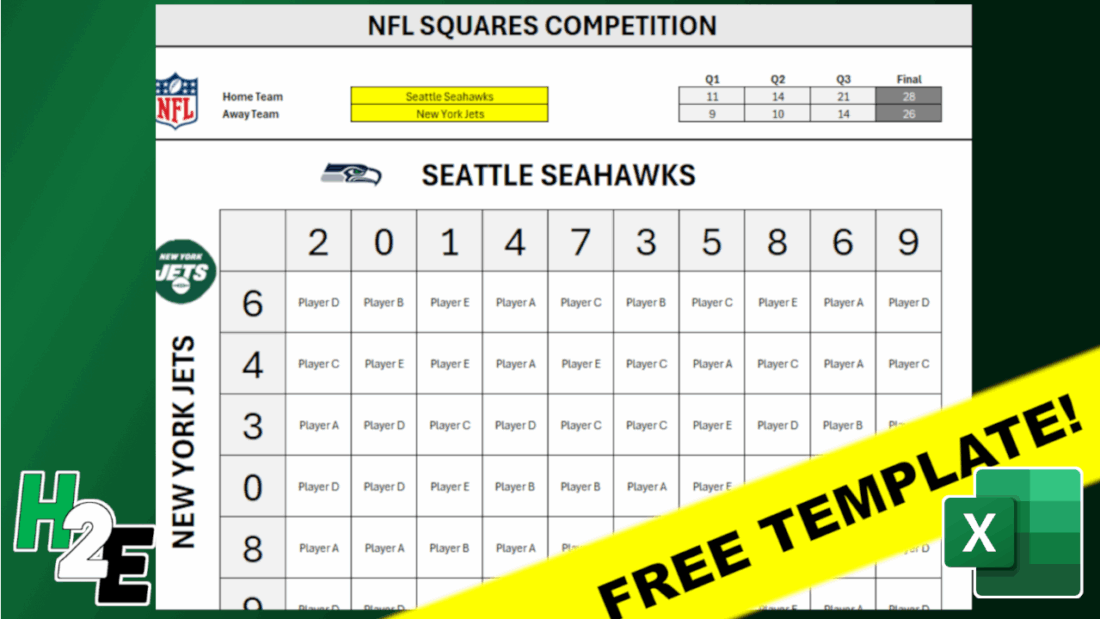
An NFL Squares game can make watching NFL games more interesting and fun with friends. And in this post, I’m going to share with you a free template I’ve created that will make it easy to set it up. Whether you’re putting any money on the line or just having a friendly competition, this template is fairly easy to setup. There are two versions of the file, one which is entirely based on user inputs and another which contains macros.
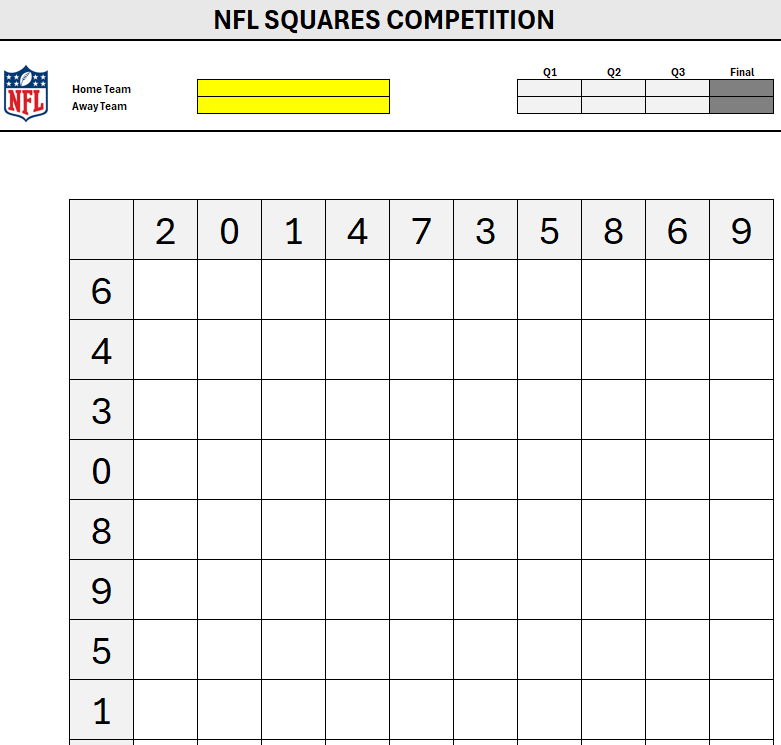
Here’s how the template looks:

How the game works is the winner is determined by who has the correct winning combination. In the above matchup, the final score was 28 for Seattle and 26 for New York. The squares game looks at the last digit for each team, which would be 8 for Seattle and 6 for New York. Whichever player has that square is the winner. You can also determine winners by individual quarters, rather than just the final score.
How to use the NFL Squares template
To use this template, start by entering in your own title and selecting the individual teams from the yellow drop-down fields. In the macro file, you can either select which player gets each square, or you can randomize the picks — this can be useful if you want to avoid picking every possible square or having blank ones. Off to the right, there is an option to enter the player names and then you can press a button to Fill Remaining Cells.
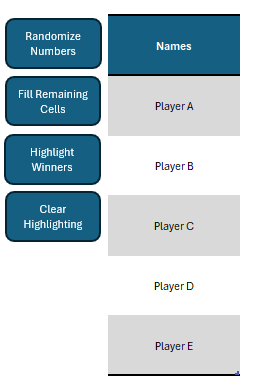
As the button’s name suggests, it will go through all player names and randomly assign them to the remaining squares. For this to work and to ensure fairness, however, there needs to be an equal number of cells available to fill in for each player. If there five players, the remaining spots available need to add up to a multiple of five. For example, if there are only 9 spaces, and extra space would need to be cleared out before the macro can run.
Other buttons include the option to randomize numbers, highlight winners (based on the score), and to also clear highlighting. The highlighting will be based on the score that is entered in the top half of the template:

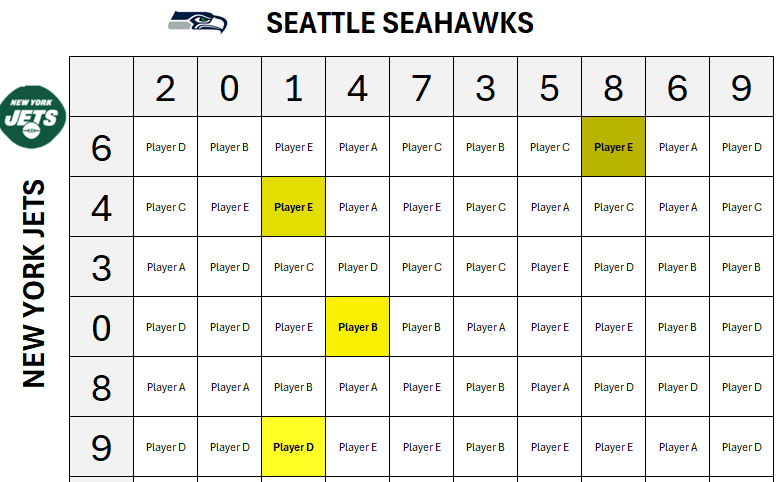
Upon clicking the Highlight Winners button, the template will highlight all the winning squares, for each quarter, and the total:
You can also specify if you want to highlight winners for every quarter and/or the final score:
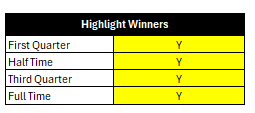
If you make any changes, you’ll need to clear any highlighting and re-run the Highlight Winners button to display the updated highlighting.
You can download the macro version of the NFL Squares template here. You will need to enable macros for it to work.
The non-macro file
If you prefer not to use macros, you can use a more basic version of this template you can download here. Since there are no macros in here, the main difference is that there is no automatic highlighting or randomization. Instead, you’ll have to enter all the values yourself, as well as do any highlighting.
If you liked this Free NFL Squares Template for Excel, please give this site a like on Facebook and also be sure to check out some of the many templates that we have available for download. You can also follow me on Twitter and YouTube. Also, please consider buying me a coffee if you find my website helpful and would like to support it.